Room Visualiser — Frequently Asked Questions
Is the wallpaper room visualiser free?
Yes. It’s completely free to use, with no sign-up, no app download and no obligation to buy. Upload a photo, preview any design, and visualise as many times as you like.
How do I use the room visualiser?
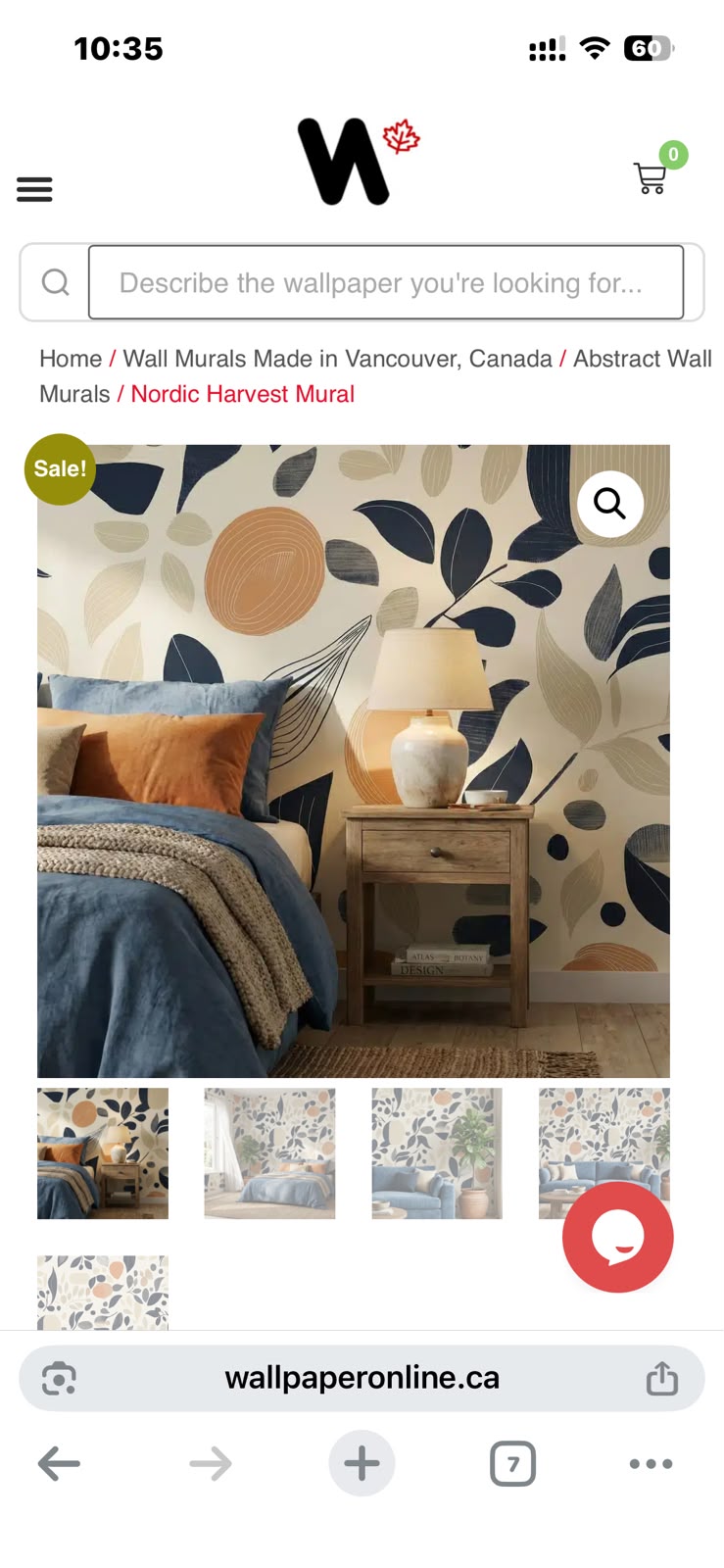
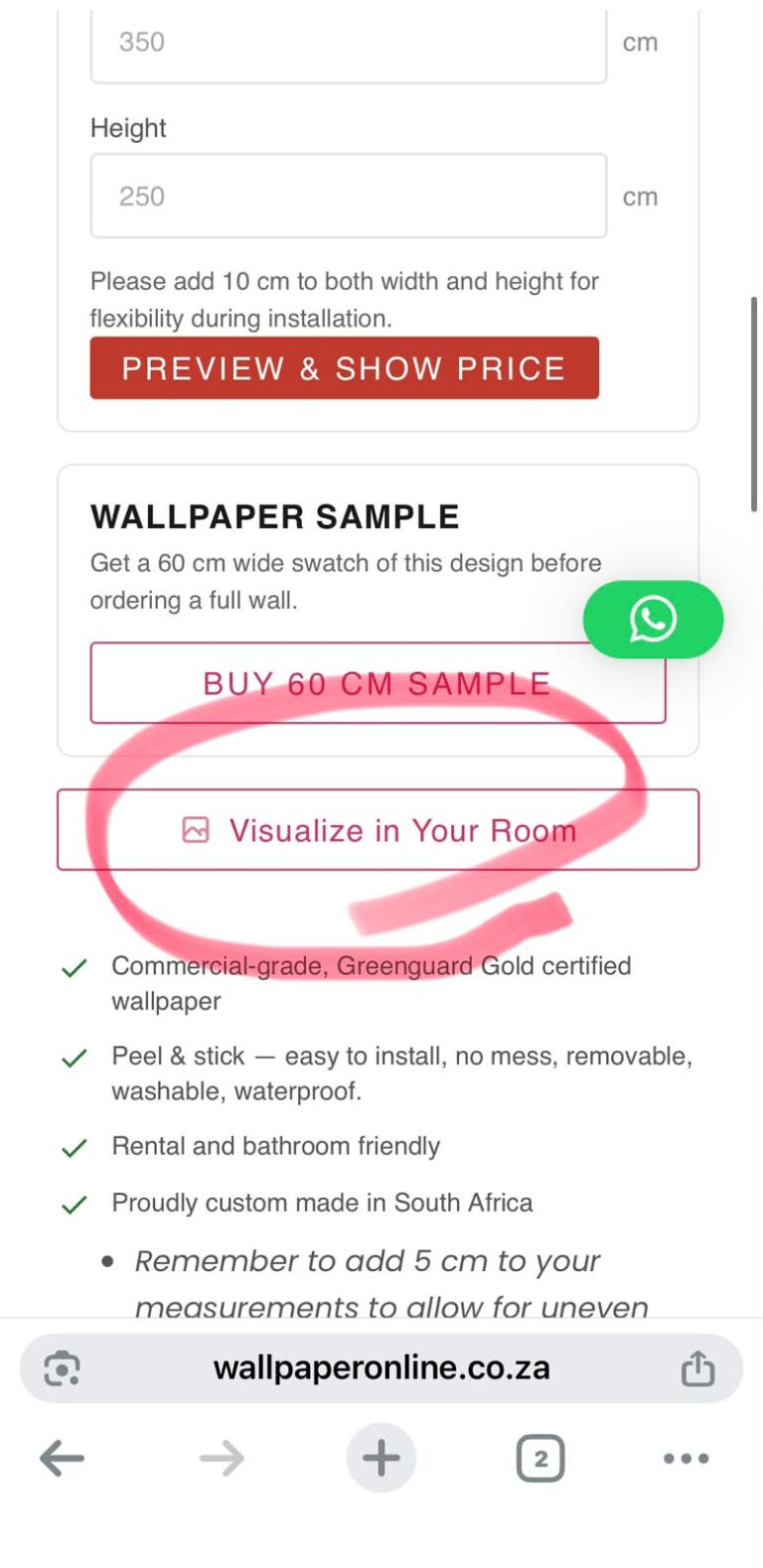
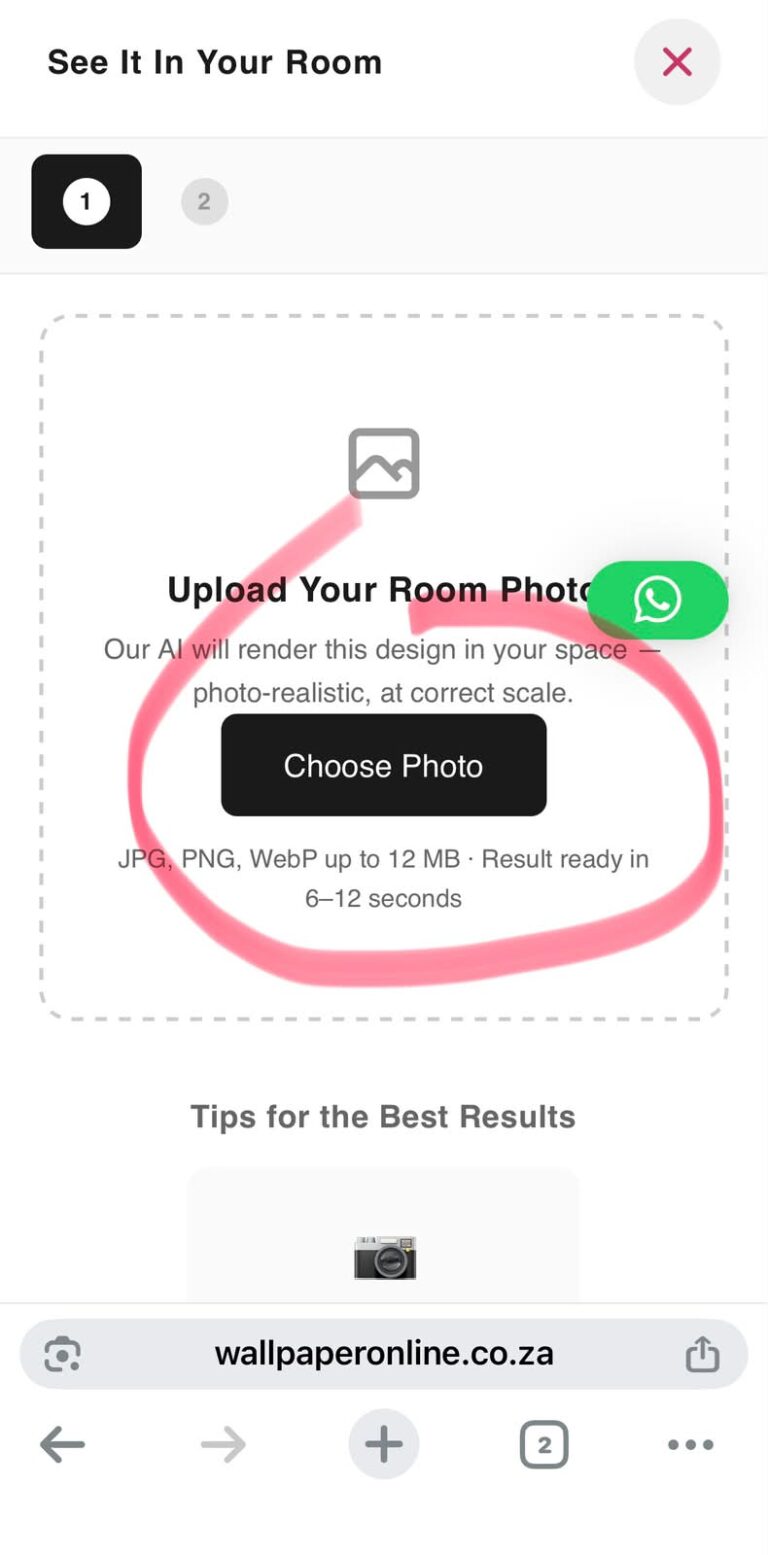
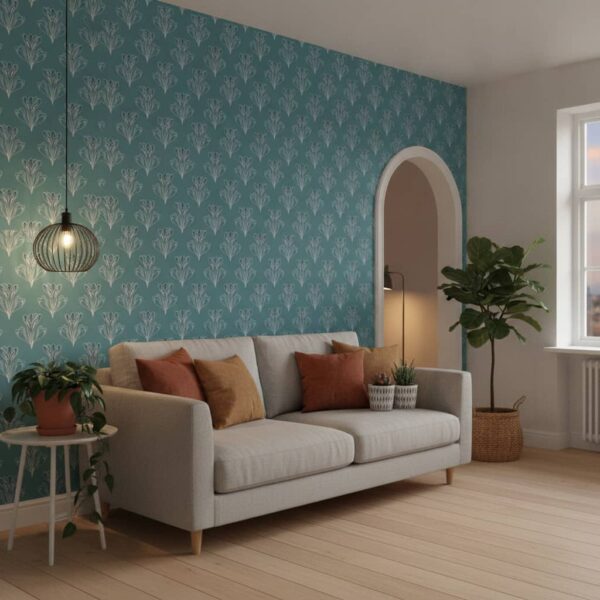
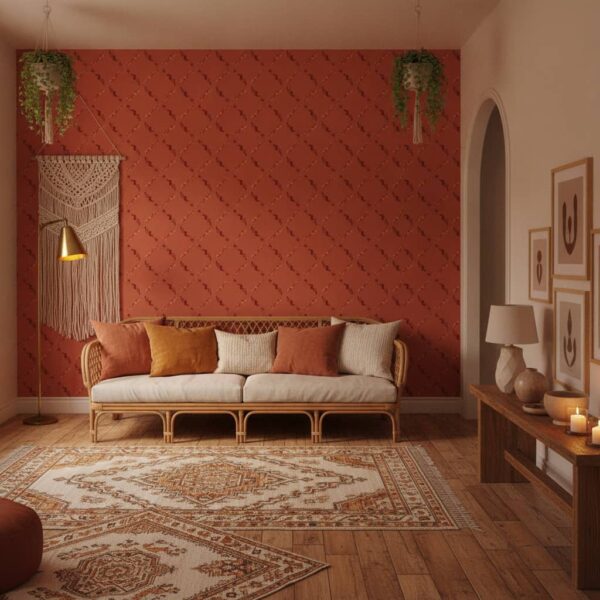
Open any wallpaper or mural product page, click “Visualize in my room,” then upload or take a photo of your wall. The tool renders the design on your wall in a few seconds. See the full step-by-step guide.
Do I need to download an app?
No. The visualiser runs in your browser on every product page at wallpaperonline.ca. It works on both desktop and mobile, so you can preview a design on your phone while standing in the room.
Can I use it on my phone?
Absolutely. On mobile you can use your camera to photograph the wall and preview the design on the spot, which is the quickest way to test ideas as you move around a room.
How accurate is the preview?
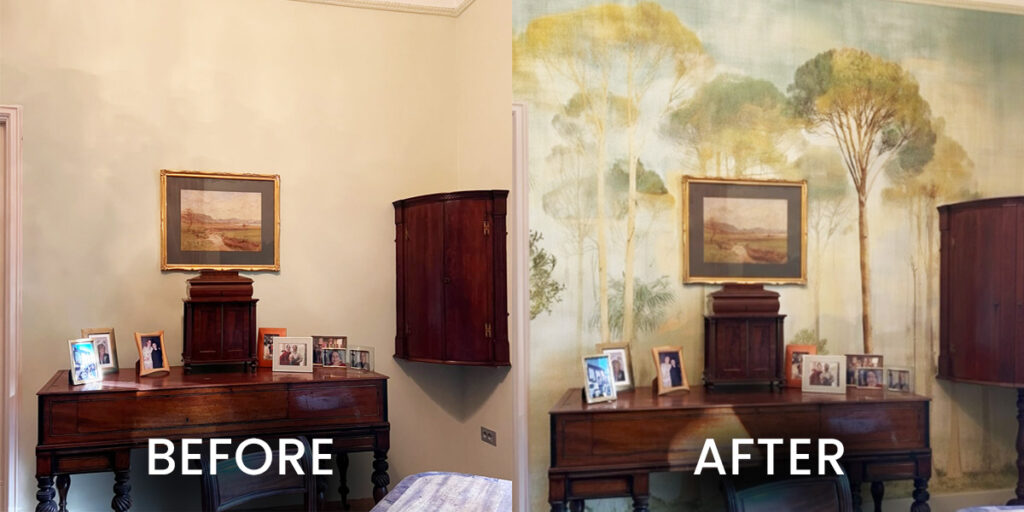
The render gives a realistic impression of how a design’s colour, scale and style will look on your wall. For the truest result, photograph the wall straight on in even, natural light. Screen colours can vary slightly between devices, so order a sample if exact colour matching is critical.
Will it work for both wallpapers and wall murals?
Yes. The visualiser is built into every design across our range — repeating wallpapers and large single-image wall murals alike — including the Canadian Artists collection and custom designs.
What kind of photo gives the best result?
A clear, well-lit photo of the whole wall, taken straight on in natural daylight. Include the corners and the floor or ceiling line so the proportions read correctly, and keep the wall reasonably uncluttered — though a little furniture helps you judge scale.
Can I visualise a custom design?
Yes. If you create your own custom wallpaper, you can preview it on your wall the same way before you order.
Does the visualiser store my photo?
The visualiser uses your photo only to generate your preview — it’s there to help you choose, not to collect your images. You can try as many designs and photos as you like.